Door Lock Z-17
Smart access, made personal.
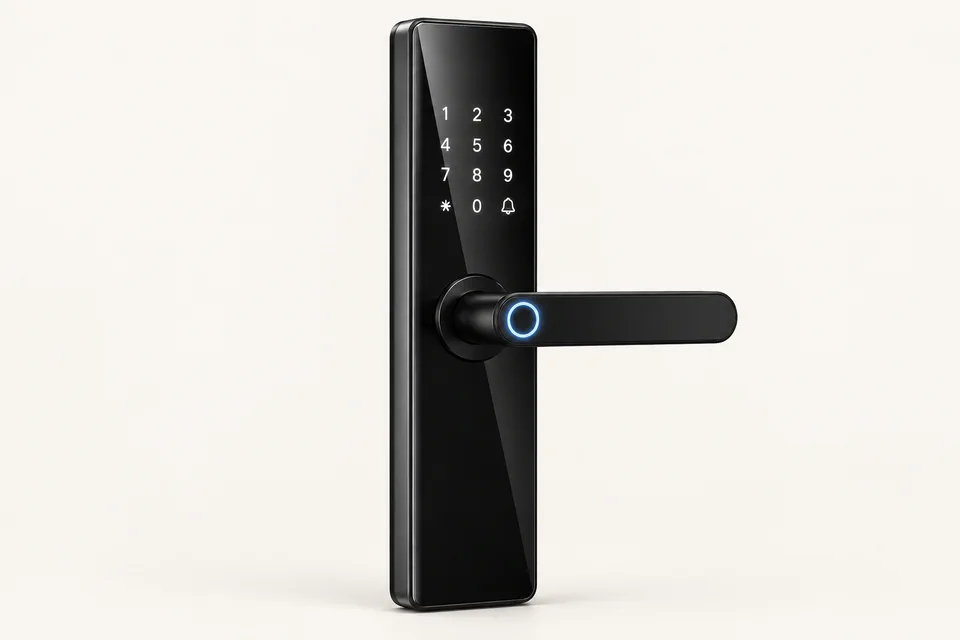
Z17 offers app, fingerprint, password, card and key unlocking. Its catalogue lists a trial-and-error alarm and automatic system locking after repeated incorrect password, fingerprint or card attempts.
Price on enquiry
Enquire on WhatsAppView original catalogue page 5Access that suits
your space.
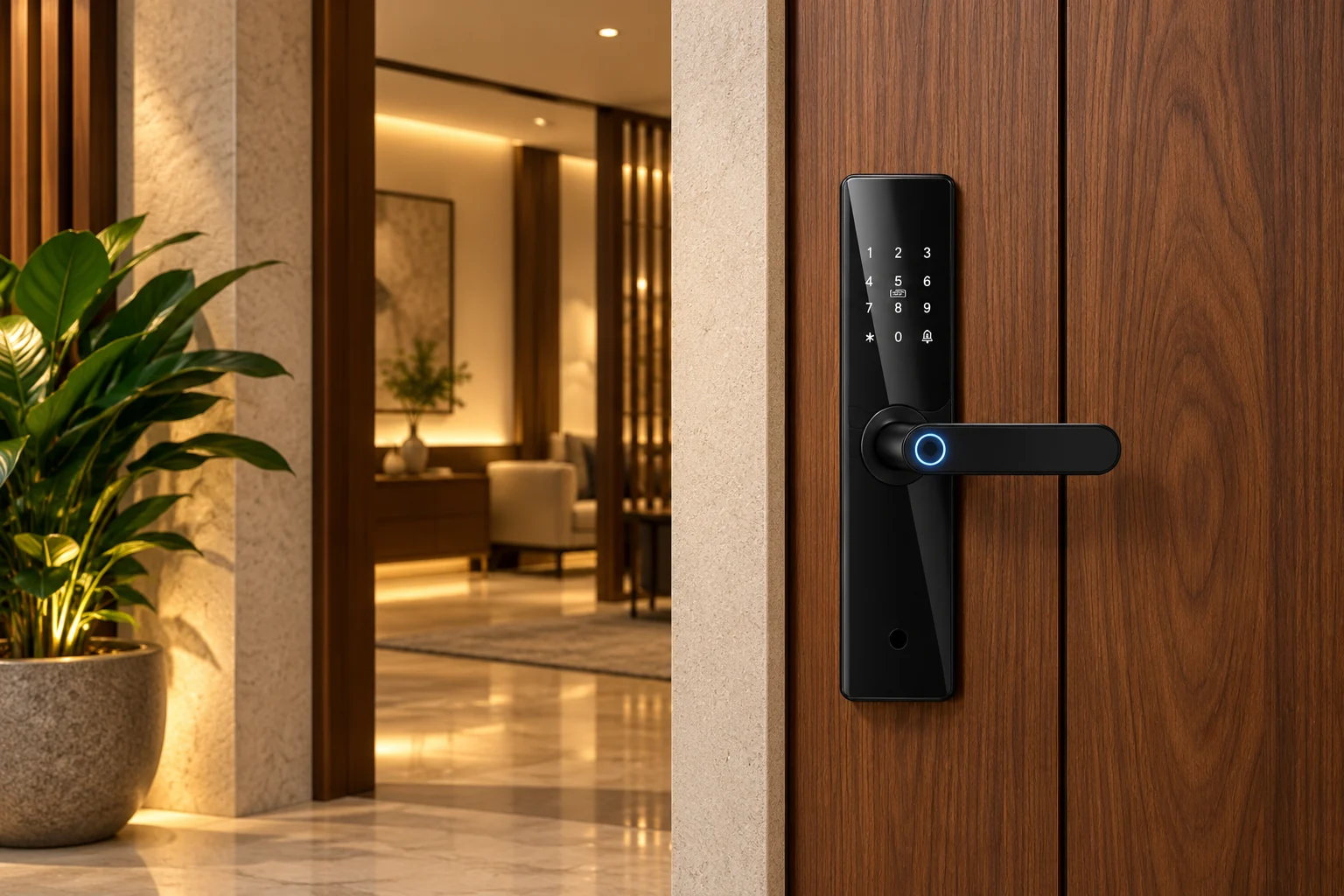
Access options and failed-attempt response
The Z17 catalogue describes a trial-and-error alarm that responds to repeated incorrect password, fingerprint or card attempts by automatically locking the system. Before choosing this model, confirm the number of attempts that triggers it and how access is restored. Those settings and the reset procedure are not specified in the catalogue.
- Unlock methods
- App, fingerprint, password, card and key
- Alarm feature
- Trial-and-error alarm
- Failed-attempt response
- Automatic system locking after repeated incorrect password, fingerprint or card use
Before ordering
Share your door material, thickness, existing cut-outs and opening direction. Confirm installation fit, connectivity, battery arrangements and backup access with our team.
Features are taken from the supplied Yantra Care Smart Lock Catalogue. App services and accessories may vary by configuration; confirm the exact variant.
A closer look
at smart access.
Select “Inside view” above for this model’s conceptual exploded illustration.
Present your credential
Use one of the access methods listed for this model, such as a PIN, enrolled fingerprint, card or supported app.
Check access
The controller checks the credential against configured permissions.
Release the mechanism
The powered mechanism enables opening after accepted access. Physical operation varies by model.
Keep backup access ready
Follow the supplied instructions for battery care and the model-specific emergency access method.
Know before
you install.
All smart lock FAQsWhat are the five ways to unlock Z17?
The catalogue lists app, fingerprint, password, card and key unlocking.
What happens after repeated incorrect attempts on Z17?
The catalogue describes a trial-and-error alarm and automatic system locking after repeated incorrect password, fingerprint or card use. It does not specify the attempt limit, lockout duration or reset procedure.